What it does
Kling, developed by Kuaishou, can generate short cinematic clips from a written description or animate an existing image.
Best used for
- Short cinematic shots built from one written description
- Animating a character image you already generated, so the face stays the same from clip to clip
Who it’s for
Creators who want a cinematic-looking clip without a camera, and who care about a character looking consistent across several shots.
Main features
- Text-to-video generation
- Image-to-video: upload a still, describe the motion
What works
- Turns a single image into a moving shot, which is the practical way to keep a character consistent
Placeholder — not published yet
Where it struggles
Motanu’s hands-on notes on where Kling struggles land with the next tool review.
Tutorials using Kling
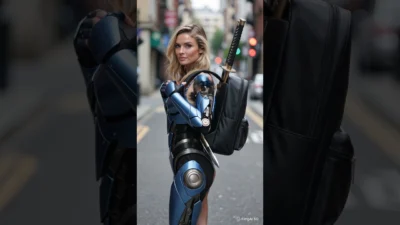 16:9Animate an armoured character drawing a katana, in KlingA cinematic AI video made with Kling: a futuristic character in black-and-blue armour with a katana.Watch tutorial
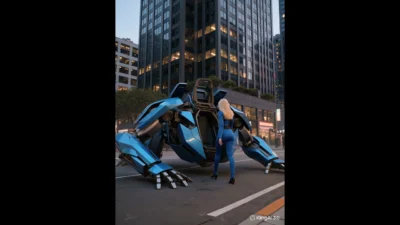 16:9Put a character and a giant machine in one shot with KlingA character and a giant machine in one AI-generated scene, created with Kling.Watch tutorial
Concepts worth knowing first
Text-to-VideoCreating a video clip from a written description./knowledge-base/text-to-video/Image-to-VideoTurning a still image into a moving video clip with AI./knowledge-base/image-to-video/PromptThe instruction or description you give an AI tool./knowledge-base/prompt/Diffusion ModelA type of AI that creates images or video by starting from noise and gradually cleaning it up into a picture./knowledge-base/diffusion-model/
